Documentation
Get your ideasinto shape.
A first project, a tool to discover, a gesture to look up. Everything you need to move forward in Atelier, at your own pace.
In this overview
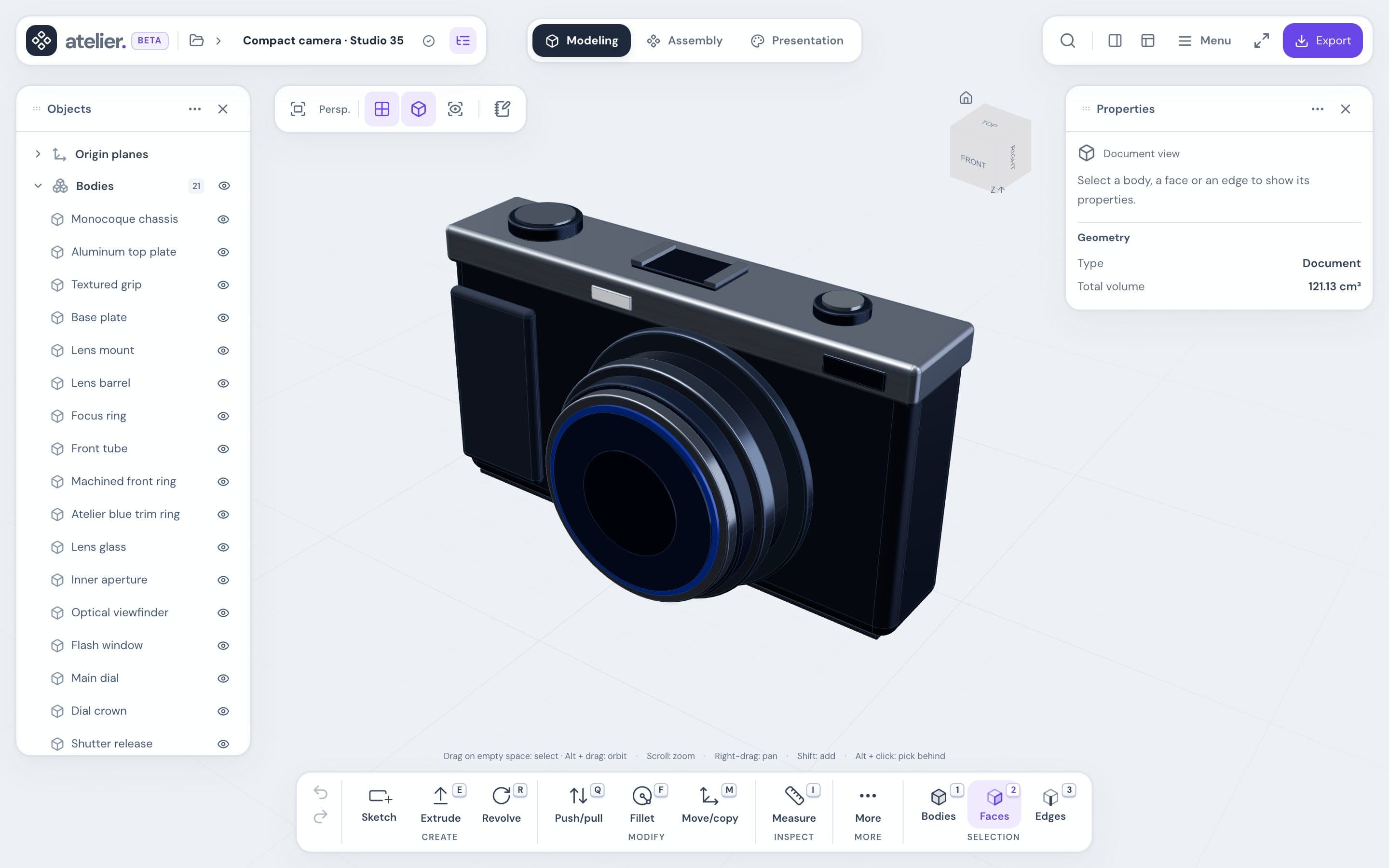
Use Atelier to design 3D parts, assemble them and present them.
At a glance
- Parametric: a part is made of sketches and a sequence of operations. Change a dimension and the whole model follows.
- Precise: your parts are true CAD solids. STEP export keeps that precision.
- Nothing to install: Atelier opens in a browser tab.
- Automatic saving: every change is kept in your browser.
- In English or French: switch with Français in the site header, or Settings → Language in the editor.
The three workspaces
Switch between them with the selector in the center of the header.
| Workspace | What it’s for |
|---|---|
| Modeling | Draw sketches and create parts. |
| Assembly | Position parts and link them together. |
| Appearance | Materials, lighting and background panel, available from each document. PNG capture is in Export. |
With or without an account
| Feature | Without an account | With an account |
|---|---|---|
| Model, assemble, export | Yes | Yes |
| Saving | In this browser | In this browser and online |
| Projects on another device | No | Yes |
| Version history | No | Yes |
| Sharing and comments | No | Yes |
To sign in, use Sign in on the home page, or Settings → My account in the editor. Depending on the installation, creating an account may be turned off.
Projects without an account
They stay in this browser. Clearing the site’s data deletes them. Export them as an .atelier archive or sign in.
What you need
- A computer with a wide enough window. The editor doesn’t work on phones.
- A recent browser, preferably Chrome or Edge.
- A mouse to move around the 3D view.
- An internet connection to open Atelier. If it drops afterward, you lose nothing.
Get started
On the home page, click Open Atelier. You land in My projects.
Click New project, or open a model under Start from an example. An example opens as a copy: change it freely.